
Getting started
Your first AI visibility reading: what to do next
What your first AI visibility reading shows, how to read it as a starting point, and the first pieces of work to pick up before the second reading.

How to pick the buyer questions you track in AI answers, word them the way buyers ask, group them into themes and keep them steady.
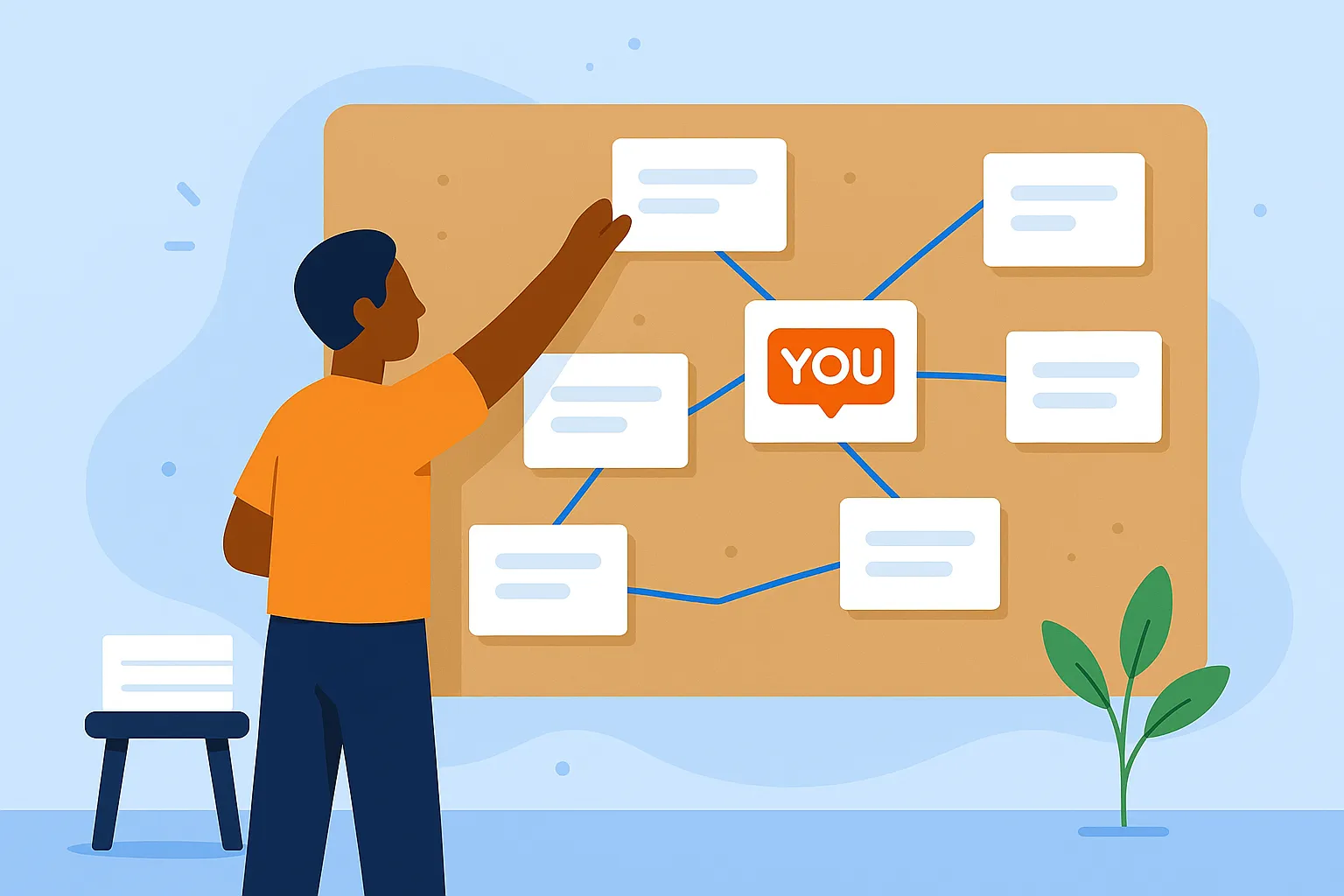
Every figure you keep about AI answers is counted from a list of questions. Change the list and the figures change with it, so the list deserves an hour of care before your first reading. This guide covers where good questions come from, how to word them, how to group them, and when to change them.
People type full questions into an assistant, often with their situation attached. A search box gets "payroll software". An assistant gets "Which payroll tool works for a restaurant with staff in two states?" The answer to that second question is the shortlist your buyer reads, so that is the kind of question to track.
You already hold most of the raw material:
Copy the buyer's wording where you can. An engine answers the words it is given, and the closer they are to a real buyer's, the closer the answer is to what that buyer sees.
A good list covers the different moments of a buyer's search. The draft below, for an invented brand, sorts its questions by kind.
What is the best payroll software for a 20-person company?
Which payroll software handles tips for restaurant staff?
Is Tessera or Novaly better for a restaurant group?
What are the best alternatives to Novaly?
How do I pay staff who work in more than one state?
Example, using an invented brand
Category questions come from a buyer who knows what they want and is asking who sells it: "What is the best tool for this job, for a team like mine?" Comparison questions come later, when the buyer has names in mind and wants them weighed against each other, or wants alternatives to a product they already know. Problem questions come earliest. The buyer describes what is going wrong and has not yet settled on a kind of product. An answer that names you there puts you on the list while the buyer is still working out what to look for.
Most lists start heavy on category questions, because they are the easiest to write. Add comparisons and problems until each kind has a fair share.
Ask an engine "Is [your brand] good for small teams?" and it will name you almost every time, because you put your name in the question. That answer tells you how you are described. It tells you little about whether you get recommended.
BotSay sorts every question by the words it contains. A Brand question names you, a Rival question names a rival you track and not you, and an Open question names nobody on your lists. Your five measures are counted over the Rival and Open questions only, so a Brand question never lifts your figures. You can still keep a few Brand questions and read their answers from each question's own page.
Rival questions earn their place. "What are the alternatives to [a rival]?" is asked by buyers who are ready to switch, and an answer that names you there is a mention you won. If a question names a rival you do not track yet, BotSay reads it as Open until you add that rival, or you can mark it as naming a rival from the question's page.
A few habits keep your questions honest:
Read each question aloud once. If it sounds like a headline rather than a person, rewrite it.
A theme is a subject you sell on, such as pricing, a use case, an integration or a type of customer. Grouping questions this way shows where you are strong and where a rival has the lead, which a single figure across all your questions hides.
In BotSay every question belongs to a theme. The By theme tab on Standing shows your Mention rate in each theme and who leads it, and Work ranks the topics where a rival is named ahead of you as pages to write. The picture below shows an invented brand's questions grouped by topic, with the ones it leads and the ones to win.
Example, using an invented brand
Give each theme enough questions to read it with confidence. Our guide How many questions do you need to track AI visibility? suggests at least ten per topic and shows how the count sets the range around your figures.
A weekly figure is only useful next to last week's, and that comparison holds when the same words go to the same engines each time. Even a small edit can change an answer, so treat each question's wording as fixed.
BotSay works this way. A question's words never change once it is being asked. When you reword one, BotSay stops the old question, keeps its answers, and starts the new wording as a new question in the same theme, from the next reading. Every reading asks your whole set on all six engines: ChatGPT, Perplexity, Gemini, Claude, Google AI Overviews and Google AI Mode.
Change the list when your business changes: a new product, a new market or a new rival. Add the questions those buyers ask, and leave the rest alone.
A question that never names you is worth keeping. It shows a place a rival is being recommended today, and that is where the work to move up starts. The Questions page in BotSay shows, for each question, how many answers named you and which two rivals were named most instead, and a Never chip lists the questions where you have not been named yet.
Make changes in batches and note the date. A reading after a large change measures a different set of questions, so compare it with care. Stopping a question keeps its answers and frees a place under your plan's limit.
If you are starting from nothing, write ten questions your buyers ask, in their words, across category, comparison and problem questions. Leave your name out of most of them. Put each in a theme. That is enough for a first reading.
In BotSay you can also start from your website. During setup, BotSay reads your homepage, asks the engines what you offer and who you compete with, and suggests up to ten starting questions, grouped as questions about your brand, about your rivals, and open questions about your category. You can edit, move or remove any of them, or add your own, and nothing is saved until you accept it. Later you can add questions one per line or from a CSV file, and Suggest questions drafts more from your homepage, your rivals and what people search for.
Getting started
What your first AI visibility reading shows, how to read it as a starting point, and the first pieces of work to pick up before the second reading.

Getting started
Ask the same question on six AI engines and you get six answers. What each engine is, why they differ, and how to read your standing engine by engine.
Getting started
Run a hand check of AI answers this week, then track five numbers to see whether you are moving, and use the answers to decide what to write and fix.
Your first reading runs right after setup
Monthly plans from $59. Cancel at any time.